The Road Before GPS
Imagine planning a family road trip across America in the 1970s.
The car is packed, the cooler is filled, and the children are excited. But before leaving the driveway, Dad unfolds an enormous paper road map across the kitchen table.
He studies the highways, marks a few stops, and writes directions on a small piece of paper.
There are no spoken navigation instructions, no live traffic updates, and no smartphone to recalculate the route.
If the family misses an exit, they may need to find a safe place to stop and consult the map again.
Yet those journeys created unforgettable memories.
The map wasn't simply a navigation tool. It was part of the adventure.
Today, drivers can ask a smartphone for directions and receive a route in seconds. The transformation from paper maps to connected dashboards is one of the most remarkable changes in everyday automotive life.
1. The Golden Age of Road Maps
As automobile ownership expanded across America during the twentieth century, printed maps became essential travel companions.
Road atlases helped families explore unfamiliar states, national parks, coastal highways, and small towns.
Gas stations and travel organizations distributed maps that introduced motorists to new routes and destinations.
For many families, reading a map was a shared responsibility.
One person drove.
Another navigated.
The children watched the scenery.
Travel required planning, patience, and cooperation.
What Paper Maps Taught Drivers
Although digital navigation is more convenient, traditional maps encouraged several useful habits:
-
Understanding the overall route before departure
-
Identifying alternative highways
-
Planning fuel and rest stops
-
Recognizing major towns and landmarks
-
Thinking ahead rather than relying entirely on instructions
These habits remain valuable today.
2. When GPS Changed Everything
Satellite-based navigation gradually moved from specialized applications into consumer vehicles.
By the 1990s and 2000s, dedicated GPS devices and factory navigation systems were becoming increasingly familiar to drivers.
Instead of studying every turn in advance, motorists could follow on-screen directions.
This changed road travel.
Drivers could explore unfamiliar cities with less uncertainty.
Businesses became easier to locate.
Long-distance travel required less manual route planning.
However, early navigation devices had limitations.
Maps needed updates.
Screens could be small.
Some systems were expensive.
Technology was improving, but convenience was still evolving.
3. The Smartphone Revolution
Smartphones brought navigation, communication, music, and travel information into one device.
Drivers no longer needed a separate electronic device for every function.
A modern smartphone can provide:
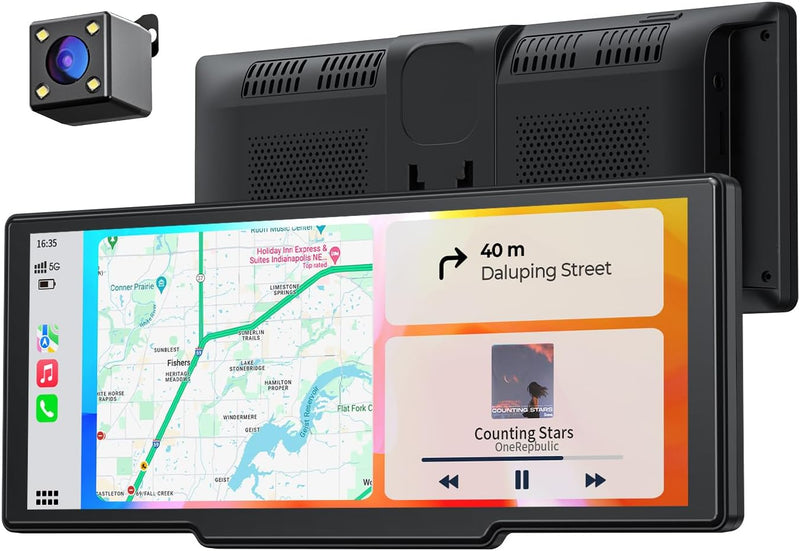
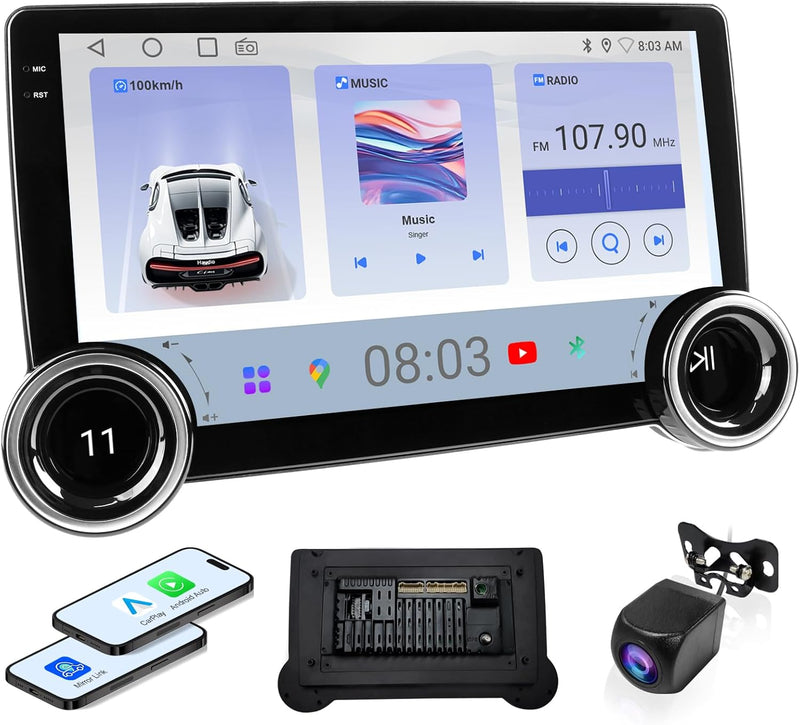
Connected vehicle systems, including compatible Apple CarPlay and Android Auto configurations, can make selected smartphone functions available through a vehicle display.
But not every car supports every feature.
Compatibility remains important.
4. The Modern Driving Problem: Too Much Technology
Technology should make driving easier.
Unfortunately, adding accessories without planning can create a cluttered dashboard.
Loose charging cables, unstable phone mounts, incompatible adapters, and poorly positioned screens may become frustrating or distracting.
The goal should not be to install as much technology as possible.
The goal should be to create a simple, reliable driving setup.
5. How to Build a Smarter Driving Setup
Step 1: Check Your Vehicle's Existing Features
Before buying accessories, identify what your vehicle already supports.
Check the owner's manual for Bluetooth, USB, navigation, and smartphone integration options.
Step 2: Choose a Secure Phone Mount
A phone mount should fit your device and vehicle without blocking your view or interfering with controls.
Follow applicable local rules about device placement.
Step 3: Simplify Charging
Choose a charger with appropriate output and compatible connectors.
Route cables away from pedals, steering components, and other controls.
Step 4: Consider Bluetooth Connectivity
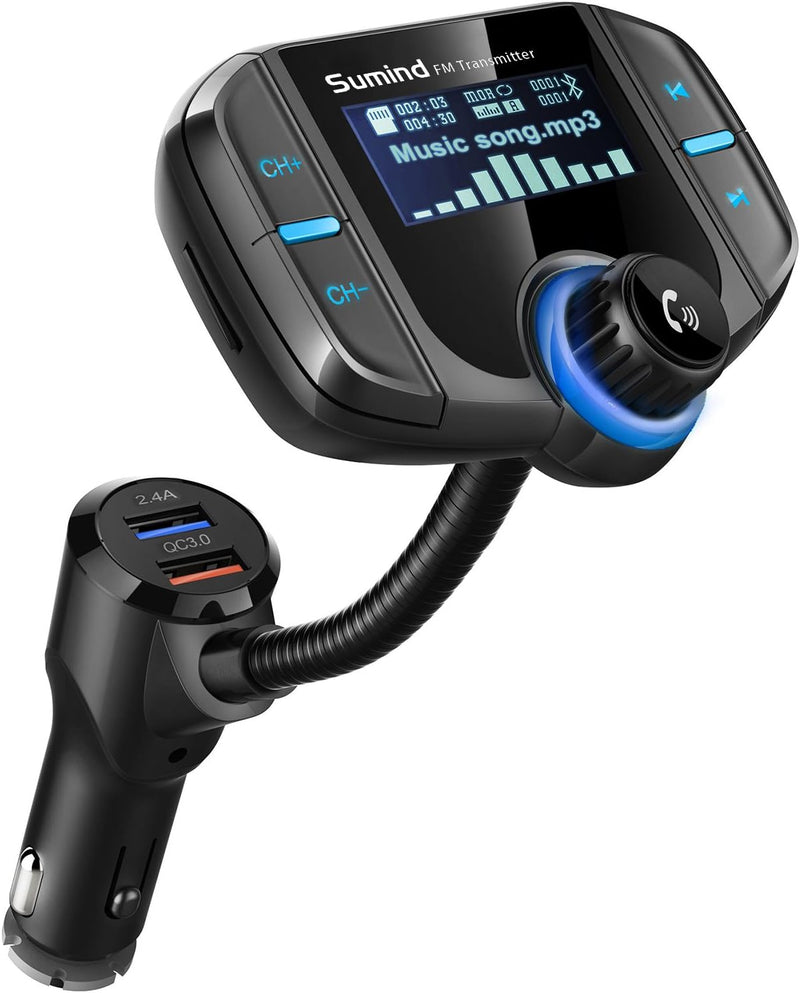
If your vehicle lacks modern connectivity, a compatible Bluetooth adapter may offer a practical improvement.
Step 5: Evaluate CarPlay Compatibility
Some aftermarket solutions can add smartphone integration to certain vehicles.
Check the vehicle model, head-unit requirements, power connections, and installation instructions before purchasing.
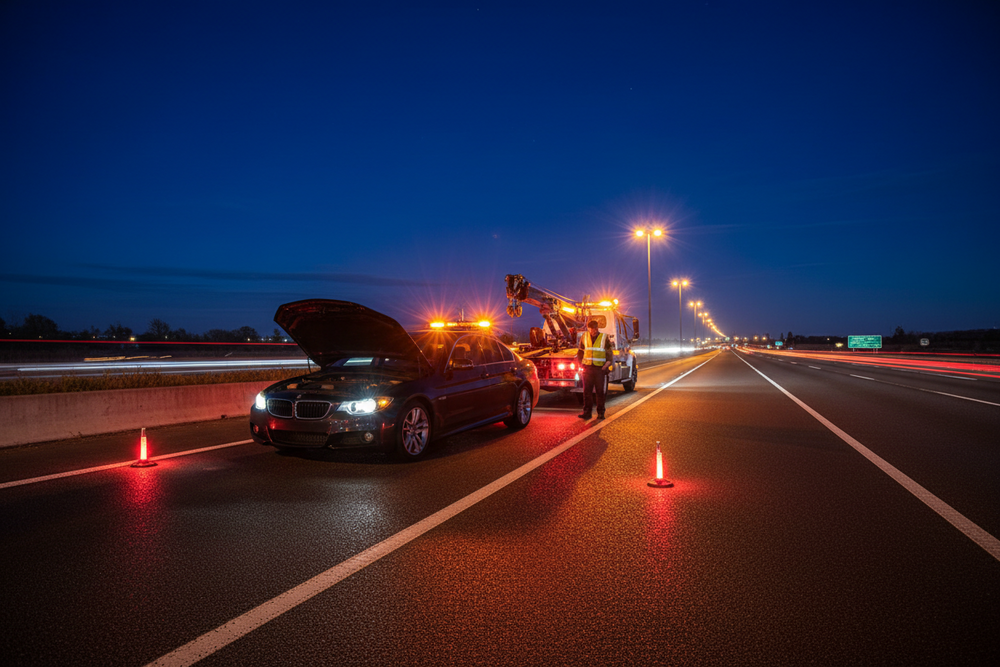
Step 6: Prepare for Limited Connectivity
For long trips, download offline maps where available.
Navigation technology is useful, but drivers should still understand their route and remain attentive to signs and road conditions.
6. Recommended carvibe™ Collections
Smart Driving Tech — Explore useful technology for connected driving.
Phone Mounts — Keep compatible navigation devices securely positioned.
USB Car Chargers — Support charging during everyday travel.
Bluetooth Adapters — Explore connectivity options for compatible vehicles.
CarPlay Accessories — Discover smartphone integration accessories.
7. Quick Buying Guide
| Product |
What to Check |
| Phone mount |
Device size, mounting position, stability |
| Car charger |
Port type, power output, compatibility |
| Bluetooth adapter |
Vehicle audio input and supported features |
| CarPlay accessory |
Vehicle and head-unit compatibility |
| Navigation device |
Map support, screen visibility, updates |
Avoid purchasing accessories based only on appearance.
A product that fits your vehicle and solves a real problem is usually more useful than one with unnecessary features.
8. Before & After
Before: A cluttered dashboard, loose charging cables, and frustrating navigation.
After: A cleaner setup with accessible charging, compatible connectivity, and a more organized driving environment.
Technology becomes part of the routine instead of competing for attention.
Frequently Asked Questions
Can I add modern navigation to an older car?
Often, yes. Depending on the vehicle, options may include a secure smartphone mount, standalone navigation device, or compatible aftermarket system.
Is wireless CarPlay available in every vehicle?
No. Support depends on the vehicle, head unit, and accessory configuration. Always verify compatibility.
Is a phone mount enough for navigation?
For many drivers, a suitable mount and reliable charging setup may be sufficient. The phone must be positioned and used in accordance with applicable laws and safe-driving practices.
Final Thoughts: The Road Keeps Changing
The American road has witnessed remarkable changes.
Paper maps became electronic navigation systems.
Cassette players gave way to streaming music.
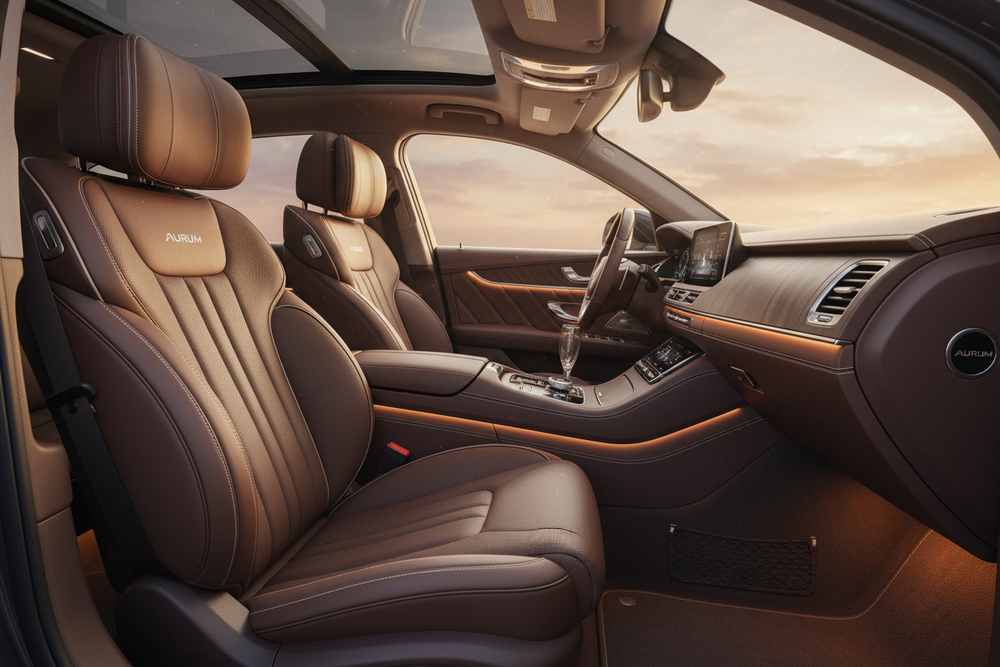
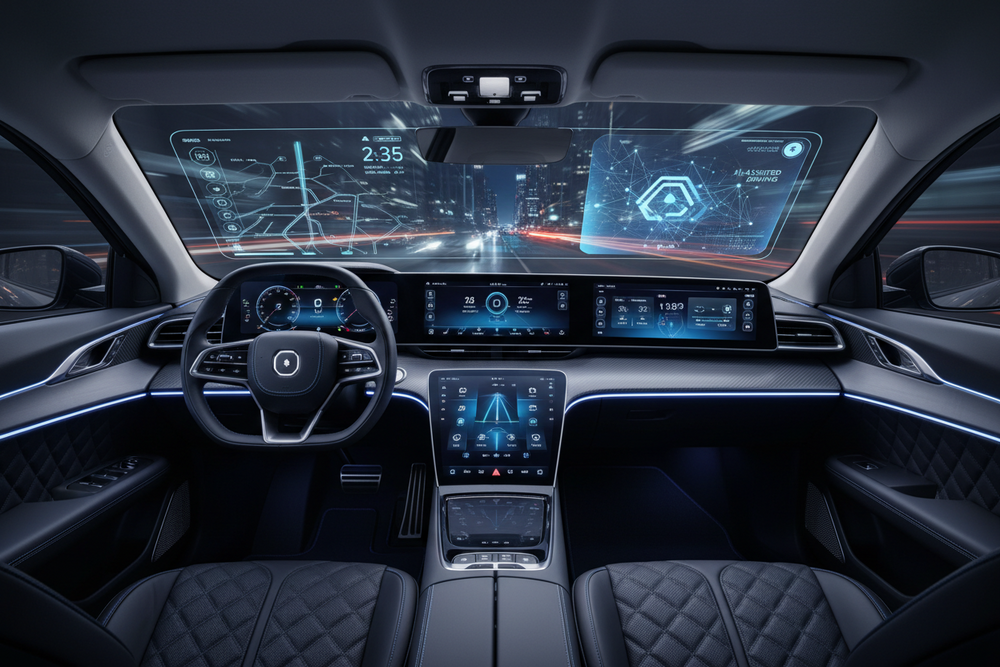
Simple dashboards evolved into connected digital environments.
Yet the purpose of driving remains familiar.
We still travel to see family, explore new places, commute to work, and experience the freedom of the open road.
Technology should support those experiences—not distract from them.
Explore Smart Driving Technology at carvibe™
Drive the Detail. Feel the Vibe.





![(Upgraded Version) FM Transmitter Bluetooth, SONRU Bluetooth Car Adapter [PD 30W & QC3.0 18W], Wireless FM Radio Transmitter, Hands-Free Calling, Siri Google Assistant, TF Card](http://carvibe-co.com/cdn/shop/files/71UOdfvOROL._AC_SL1500.jpg?v=1762323011&width=800)